





Best-in-class recording
with Precision Microphone
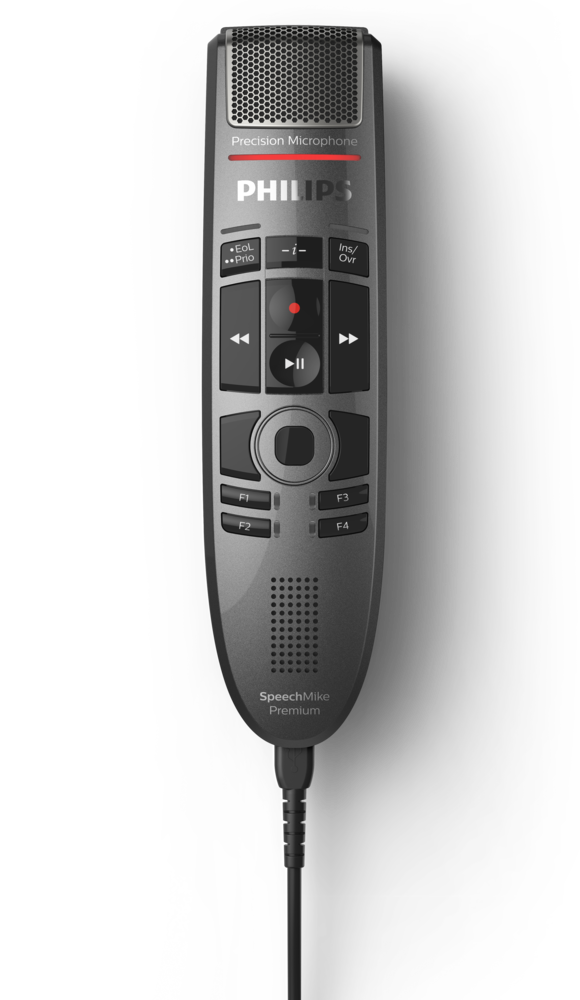
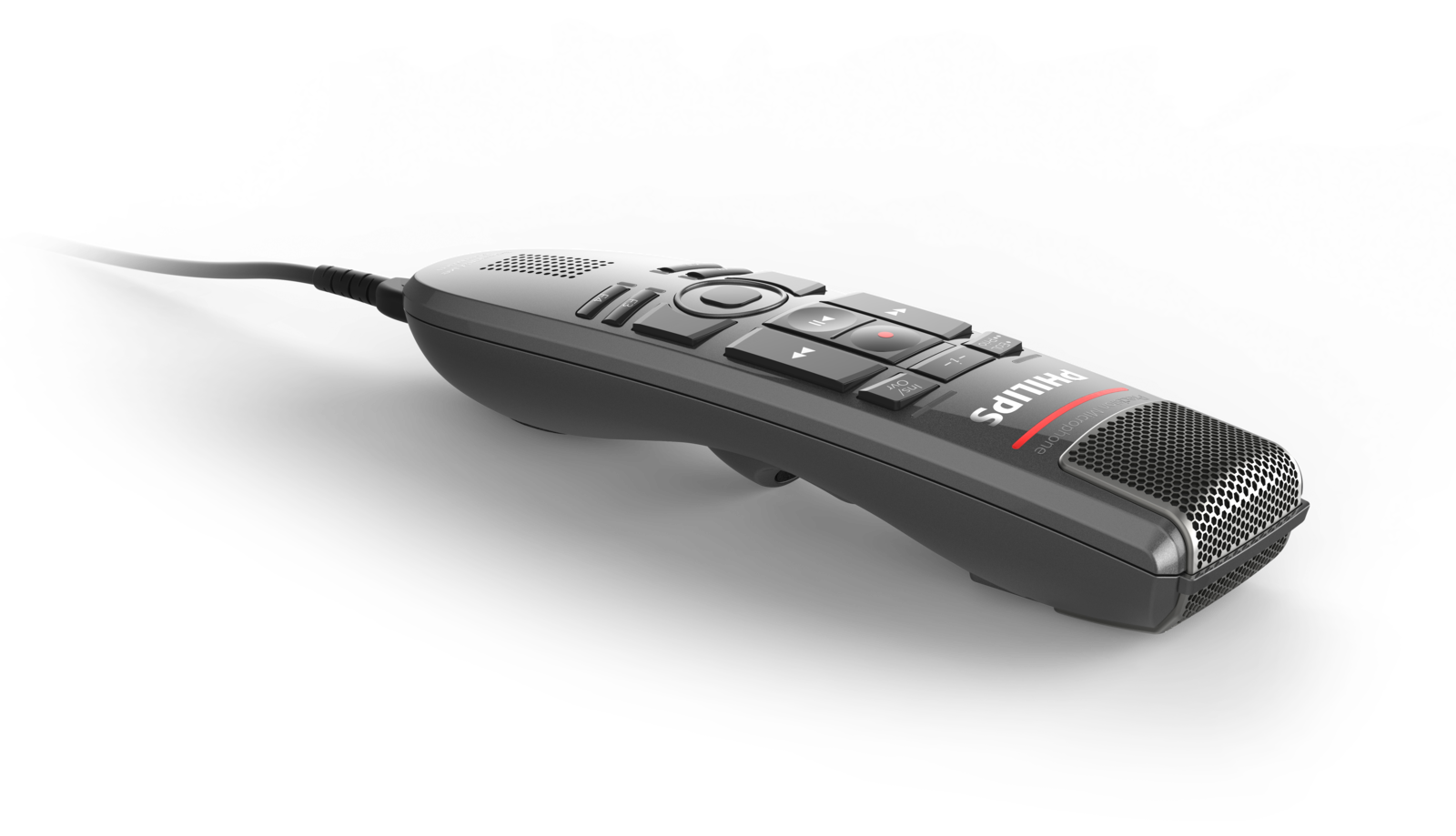
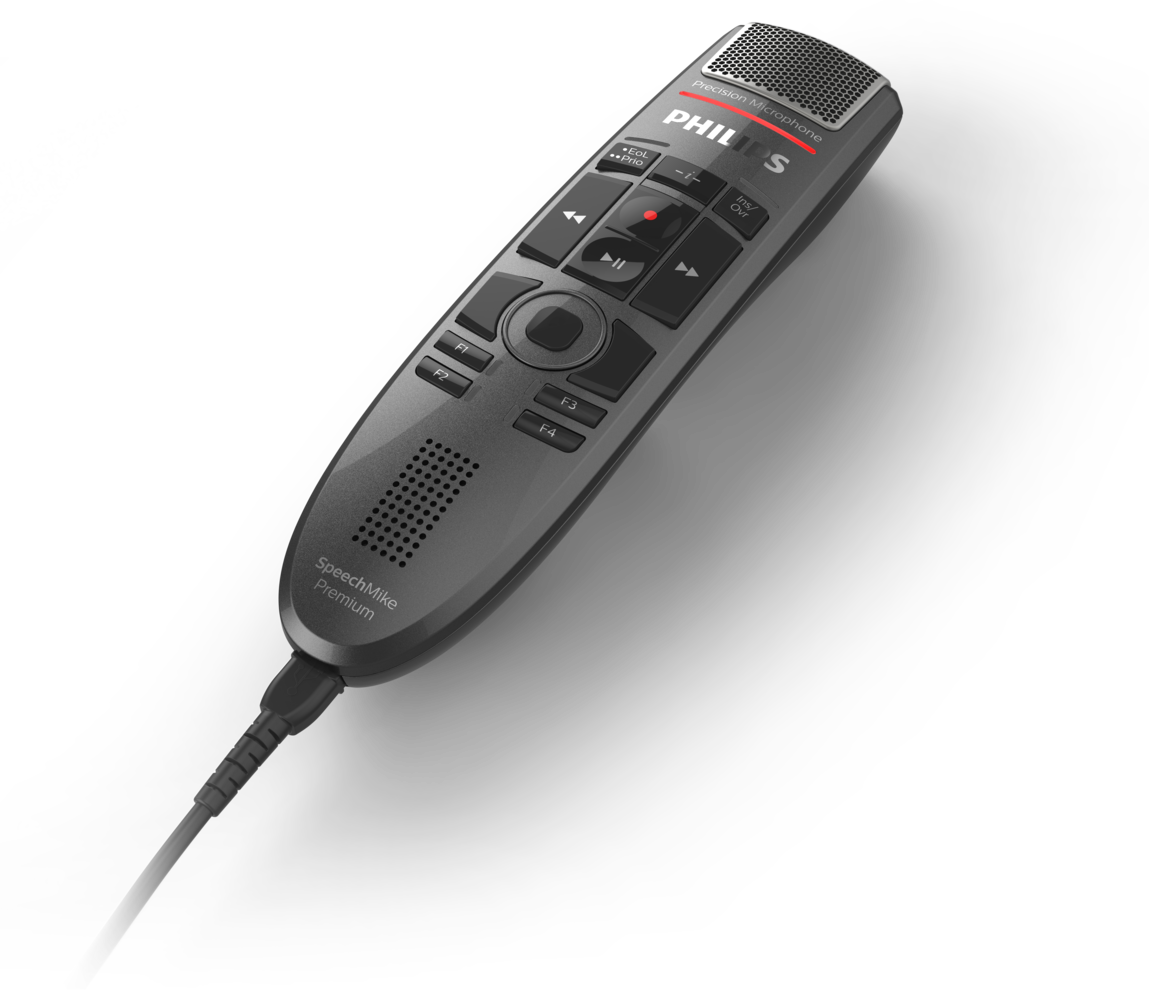
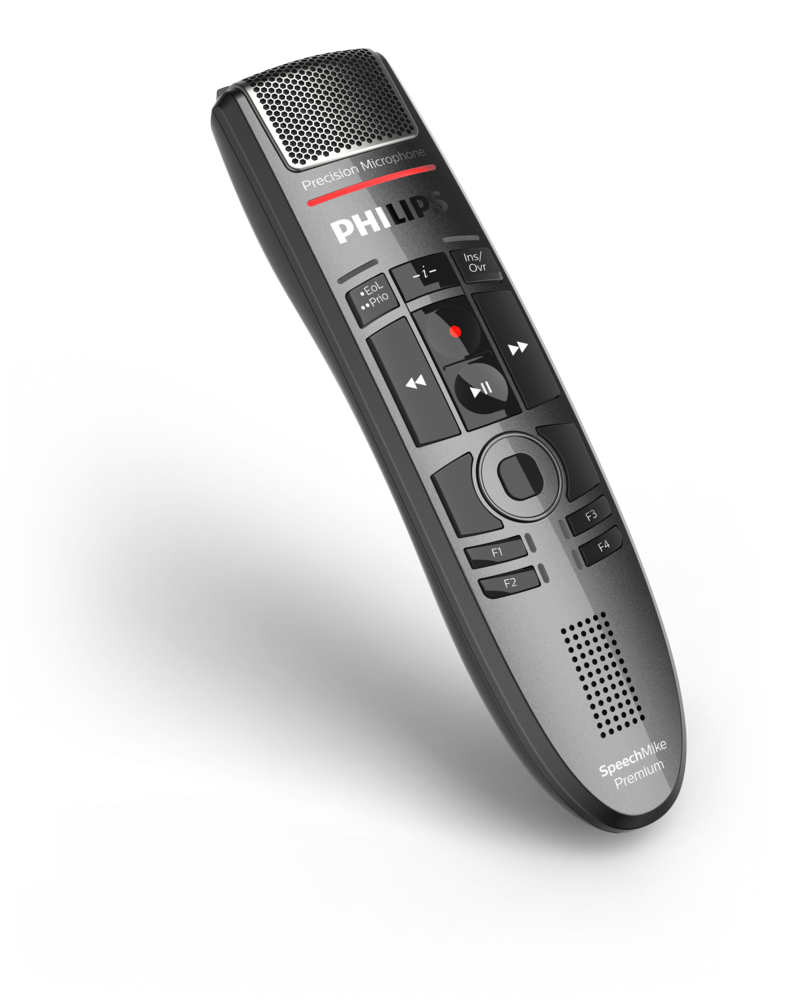
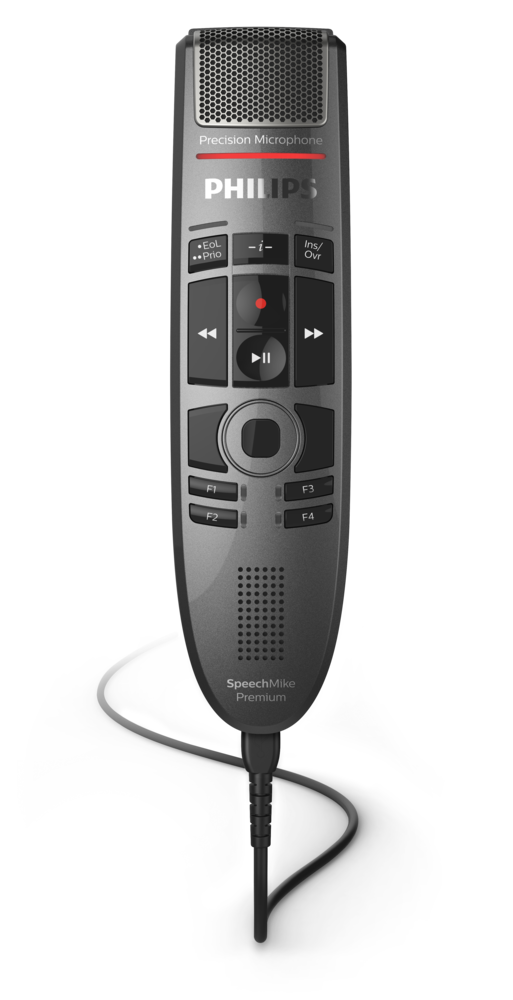
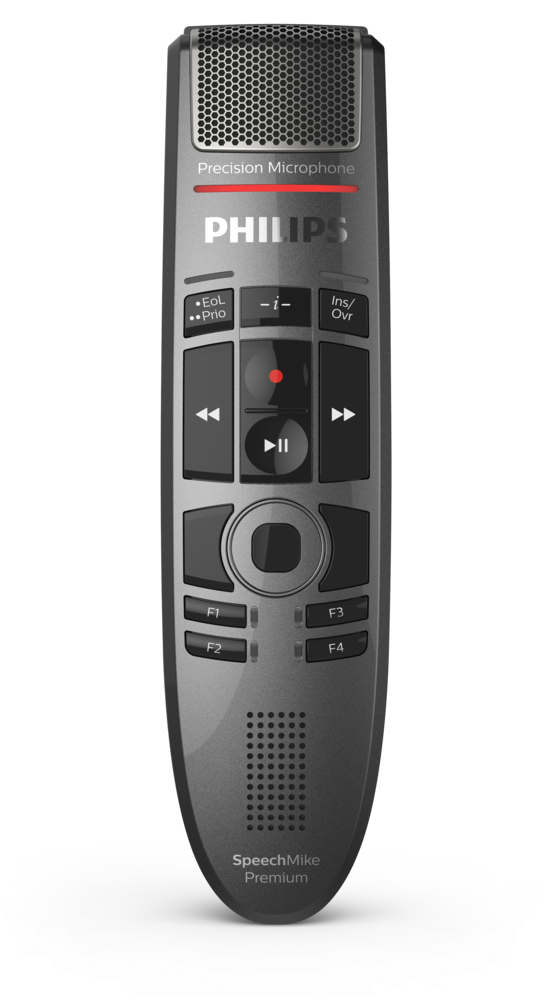
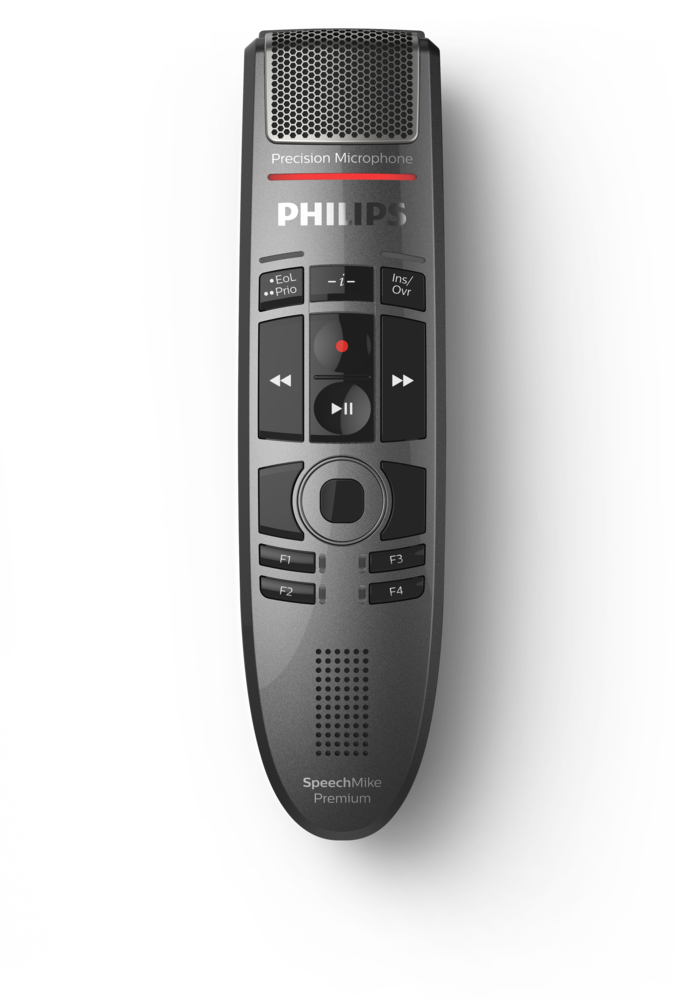
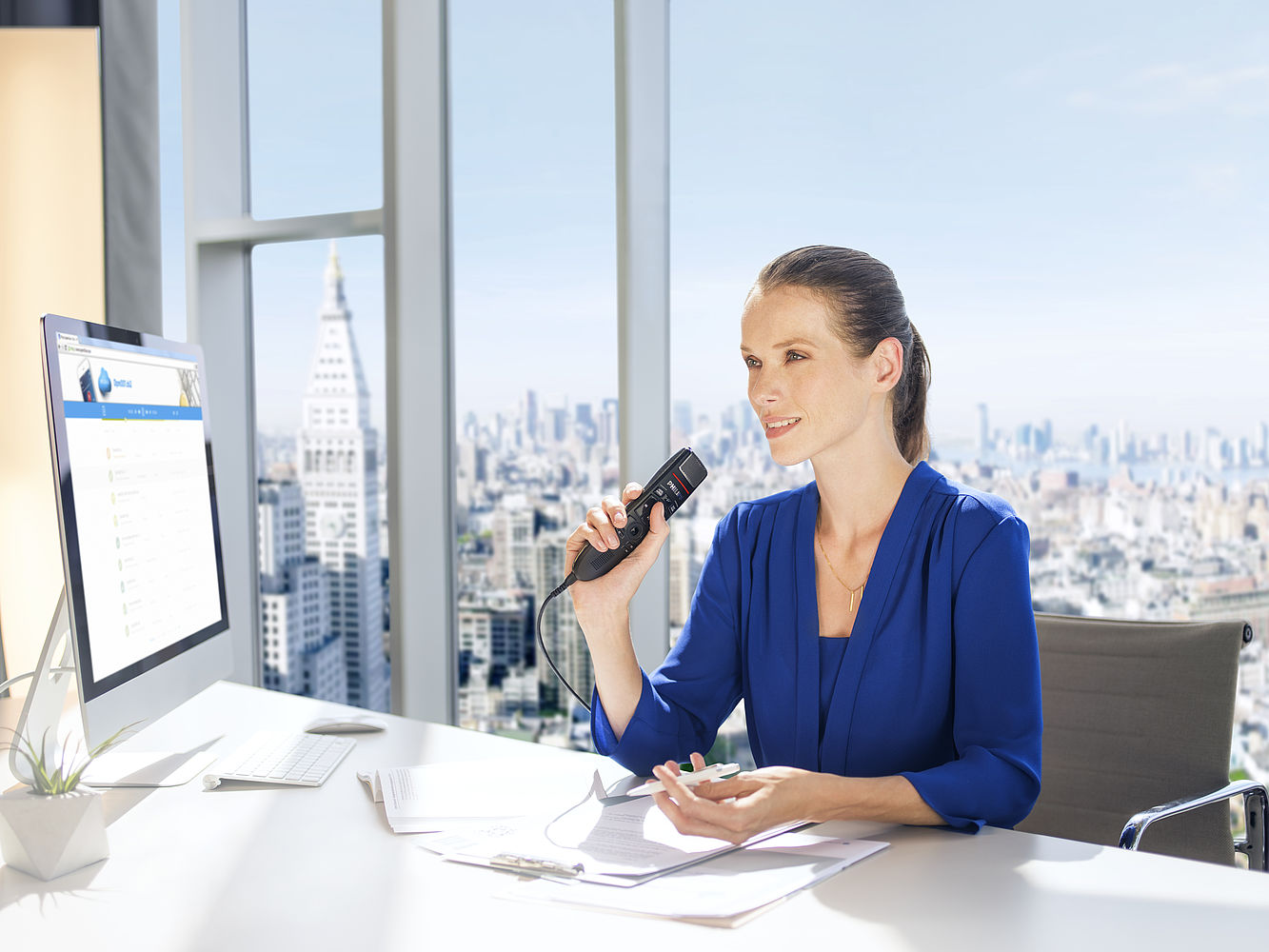
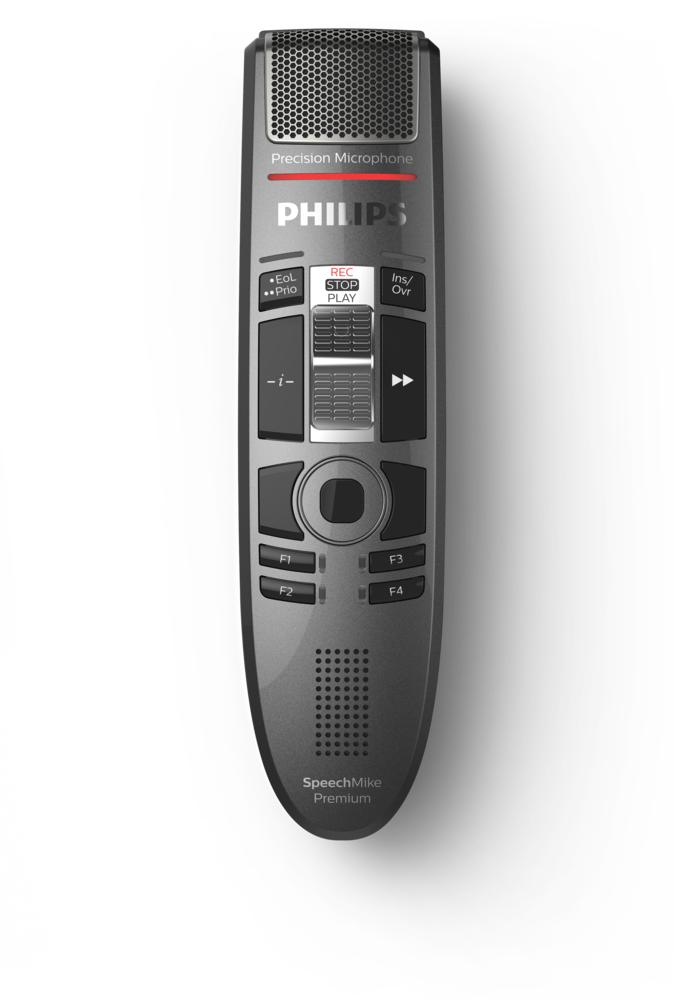
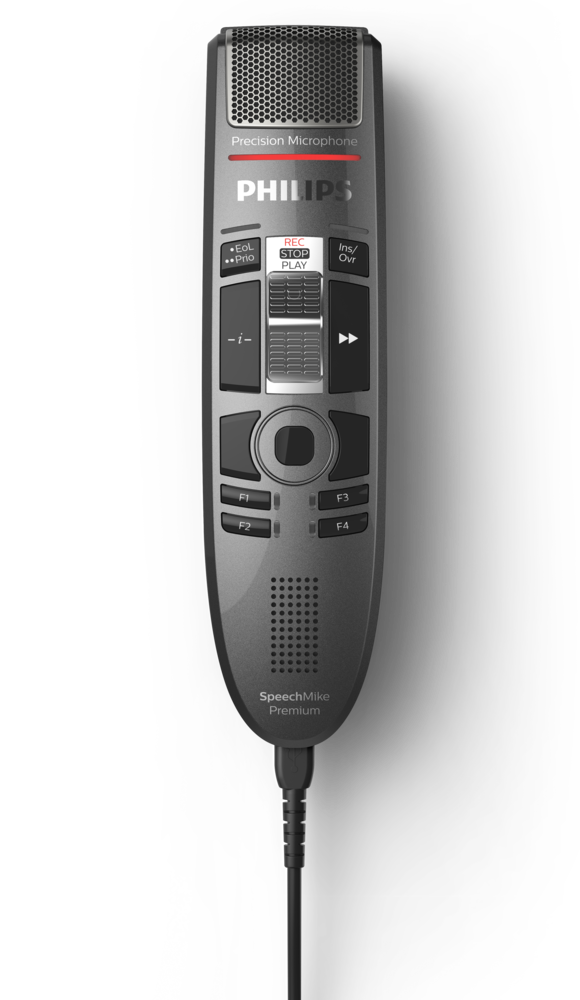
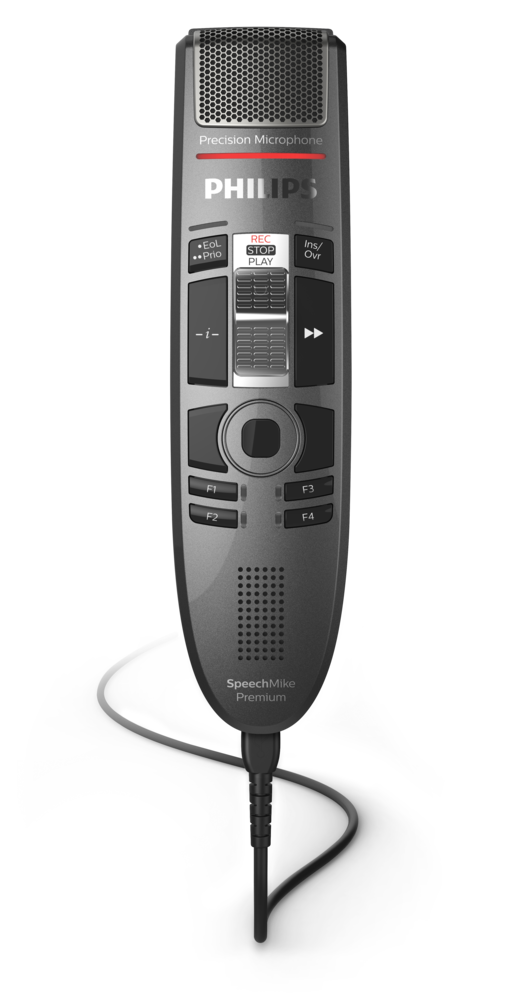
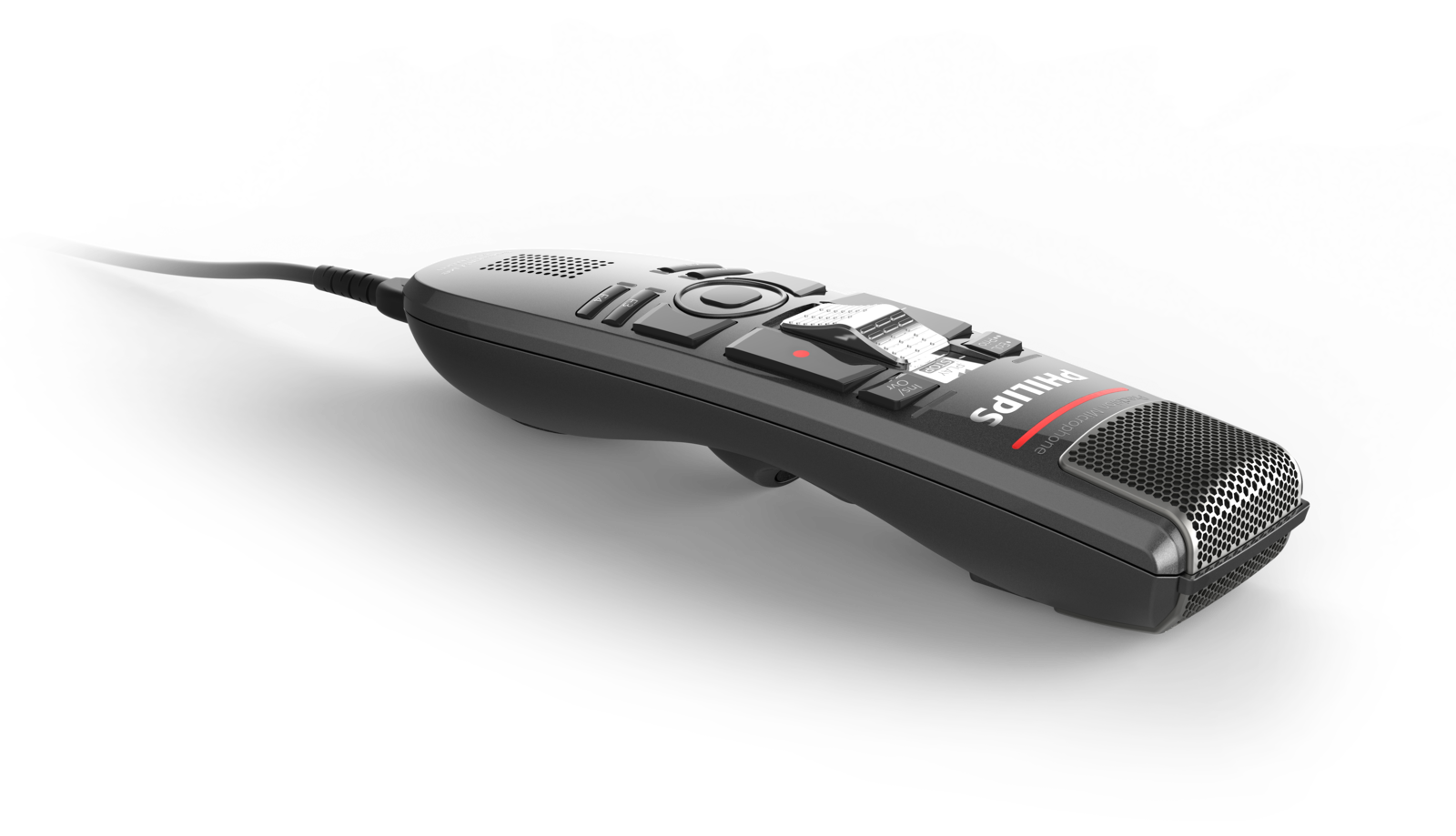
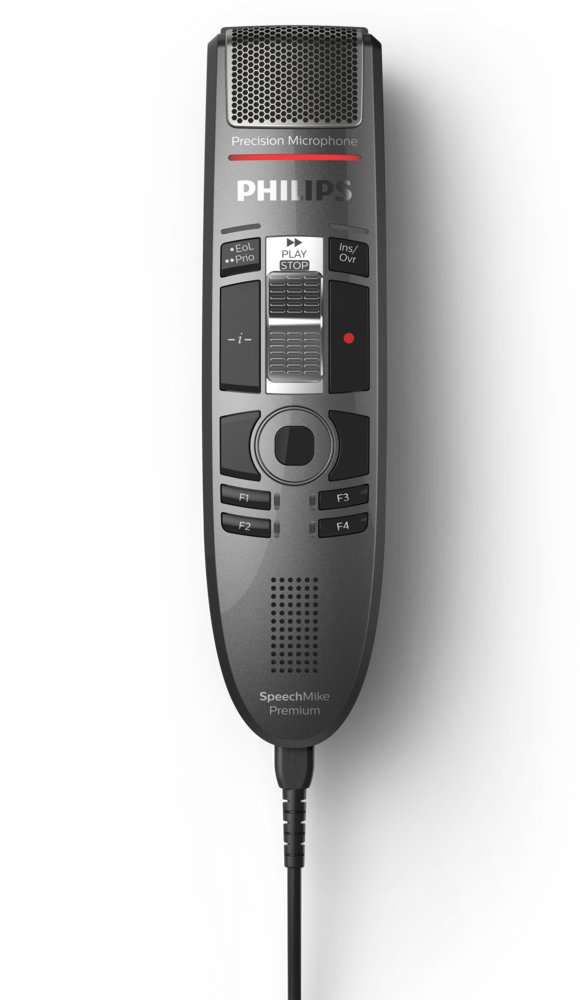
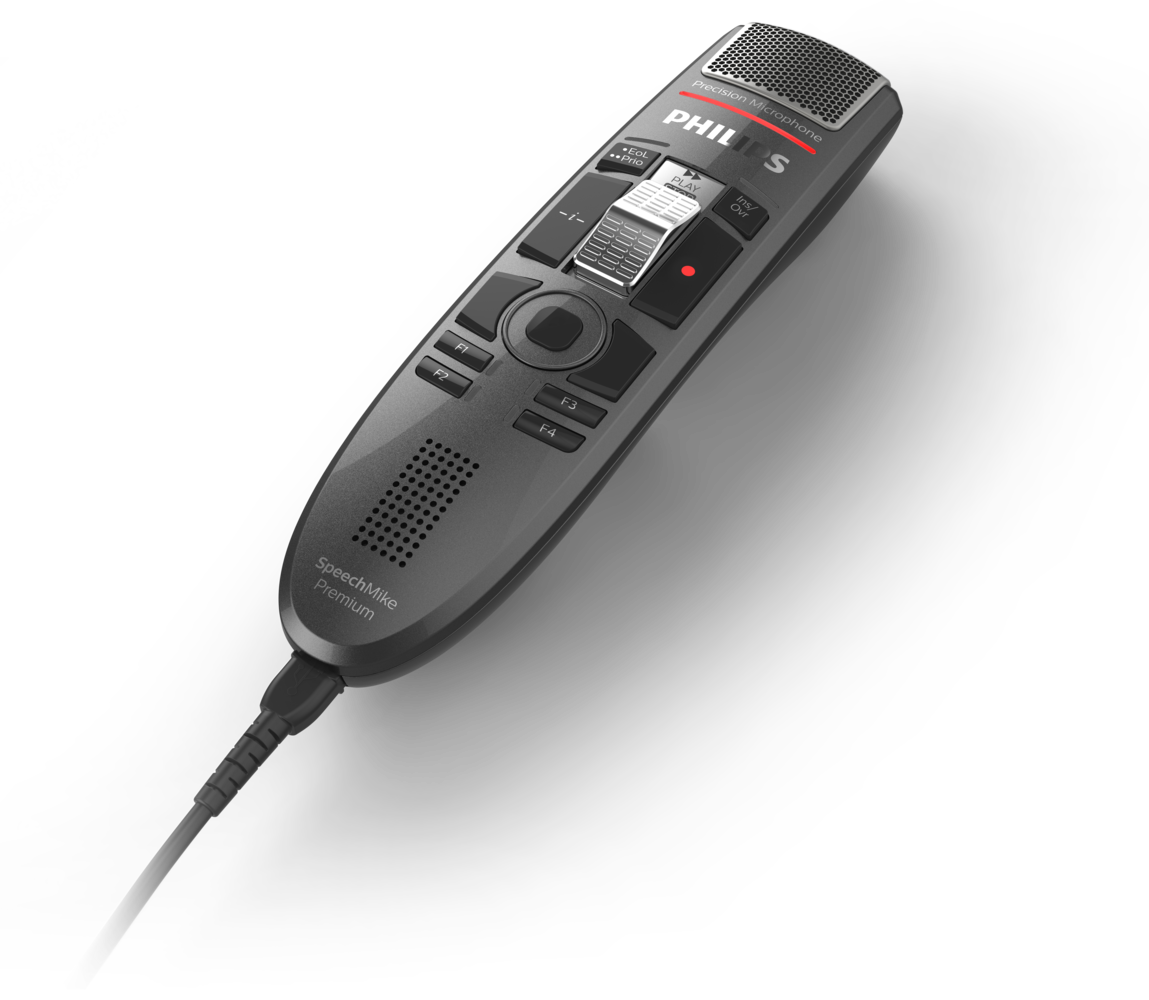
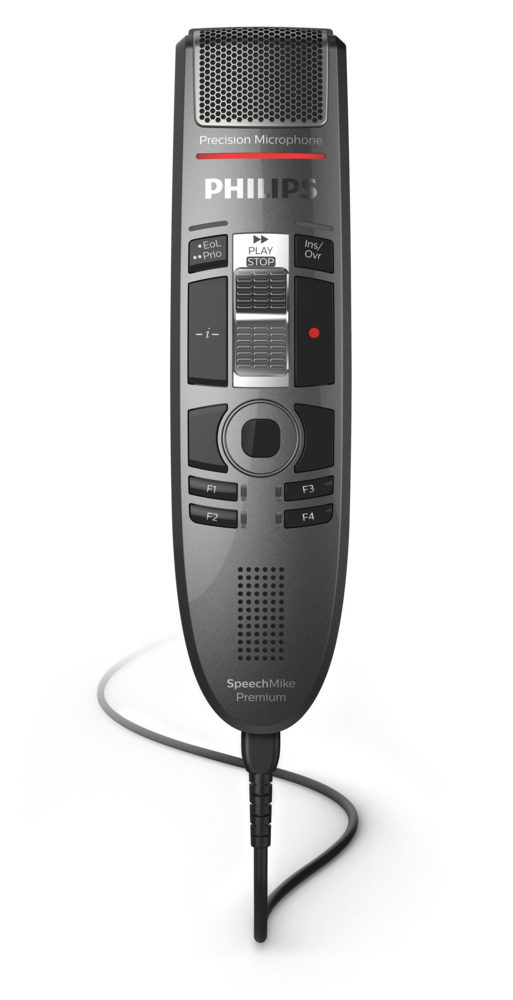


Philips SpeechMike Premium Touch comes with a premium decoupled studio-quality microphone, a built-in noise reduction filter for the clearest voice recordings and most accurate speech recognition results. The integrated motion sensor automatically switches between dictation and conversation mode for ambient voice recording, such as capturing conversations at a desk. The touch sensor ensures easier navigation, saving you even more time.



Features
Decoupled studio-quality microphone for precise recording
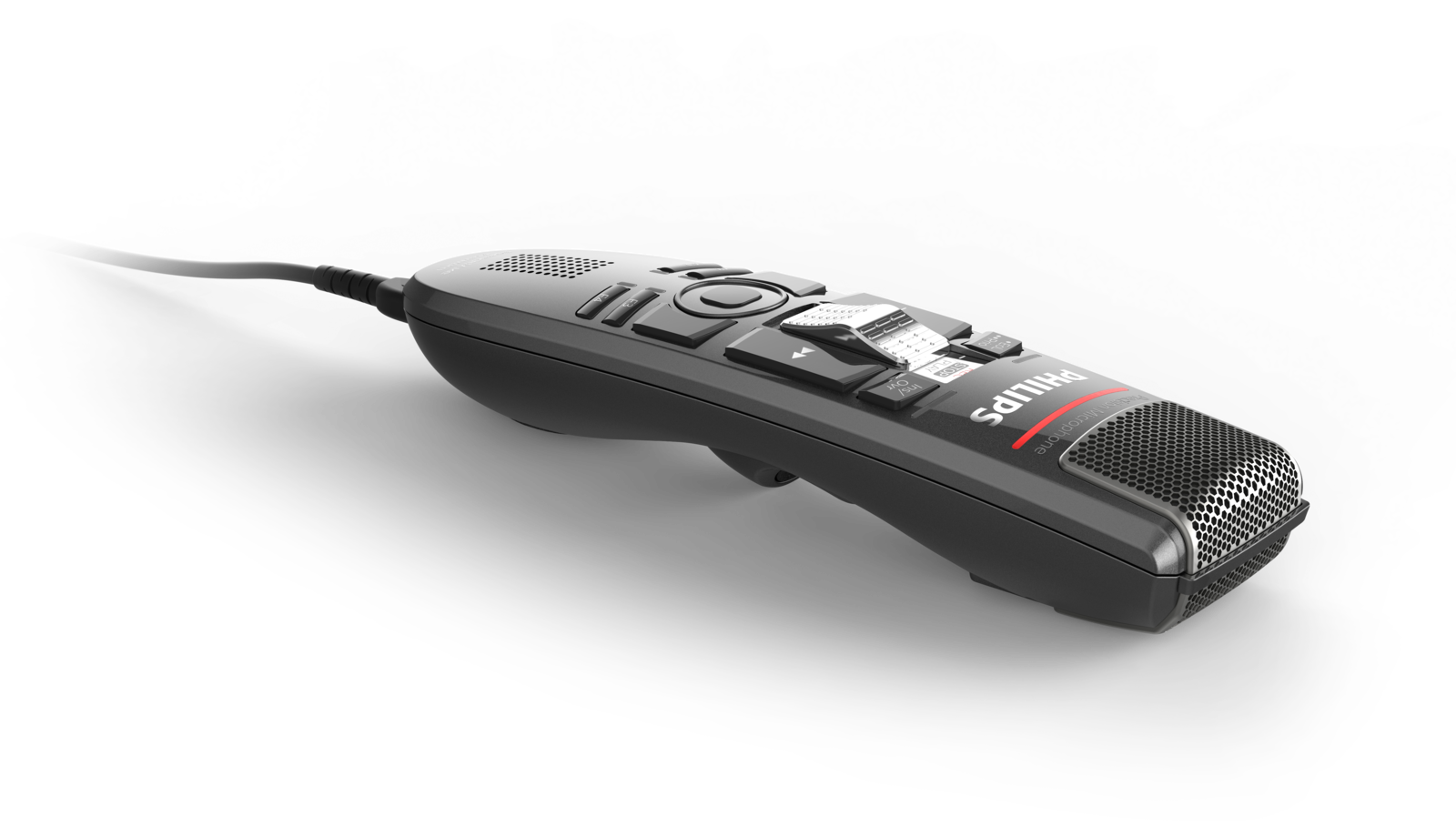
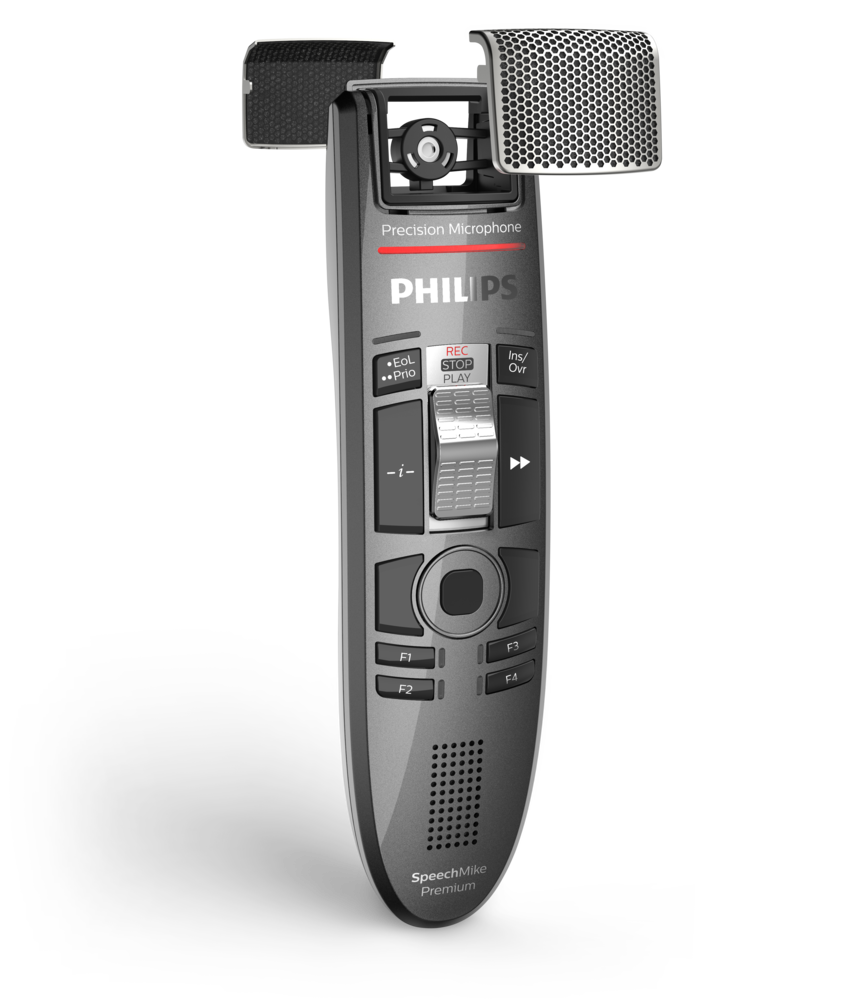
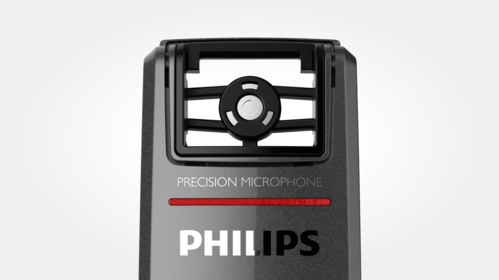
The free-floating microphone is decoupled from the device’s housing, which guarantees that almost no background, touch, click, air or structure-borne noise is recorded. This technique is derived from studio microphones to make sure there are no sound distortions whatsoever and to guarantee outstanding speech recognition results.
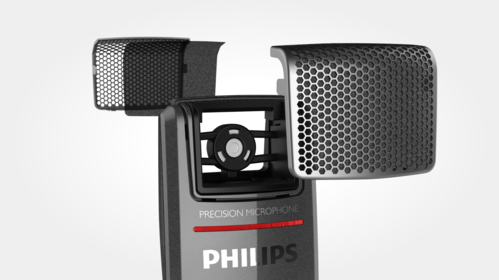
Optimized microphone grille and integrated pop filter for crystal clear sound
The metal grille comes with specially designed hexagonal openings engineered to provide crystal clear recordings by allowing significantly more sound to reach the microphone. A fleece inserted above and below the microphone capsule filters out sound distortions such as pop and hiss noise, guaranteeing perfect results even if dictating closely into the microphone.
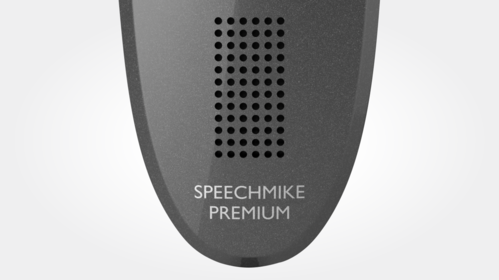
Large speaker area for premium playback
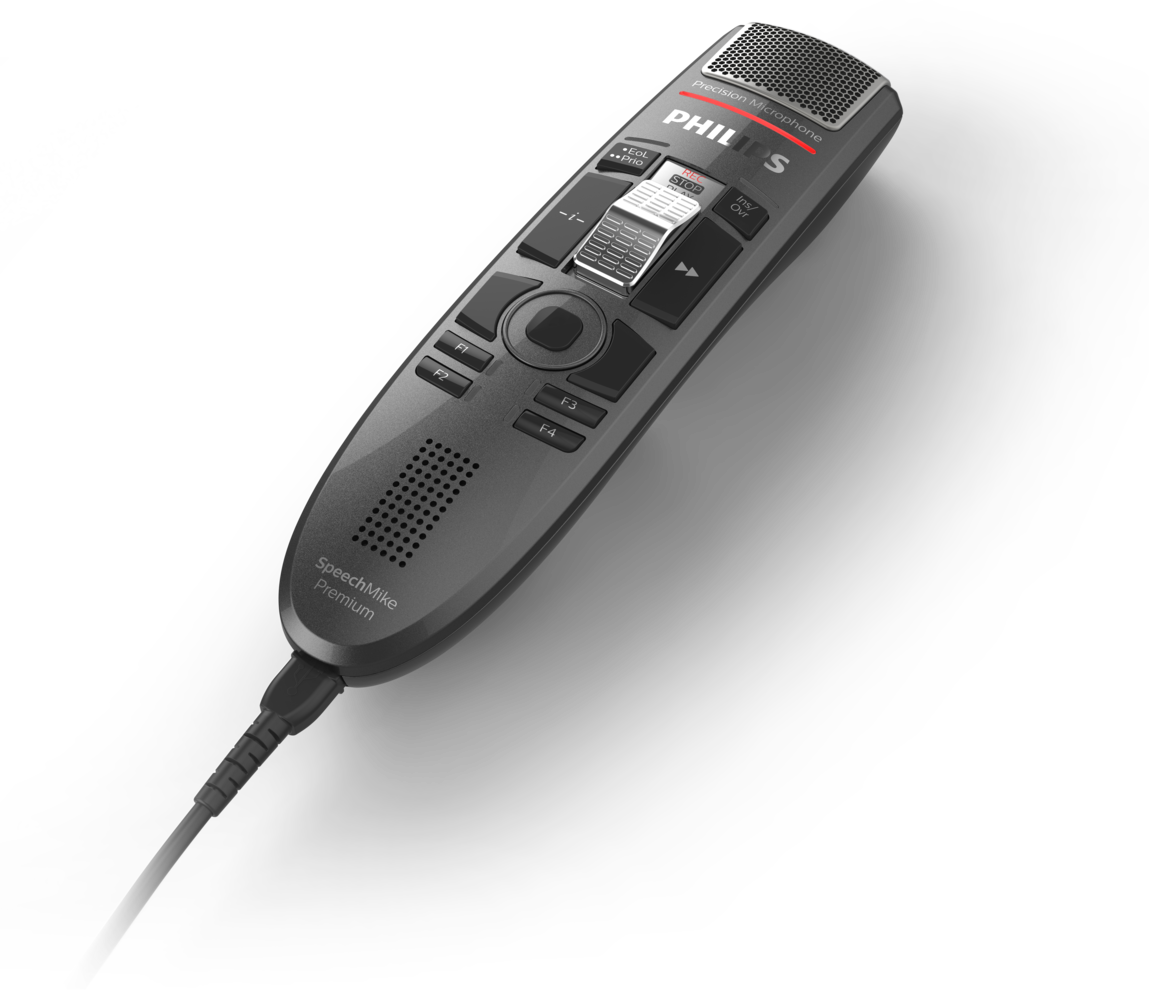
The SpeechMike Premium Touch is equipped with an extra-large speaker, enabling it to not only record but also play back recordings in clear and crisp quality.

Built-in support for Nuance speech recognition for a hassle-free ‘plug and play’ installation
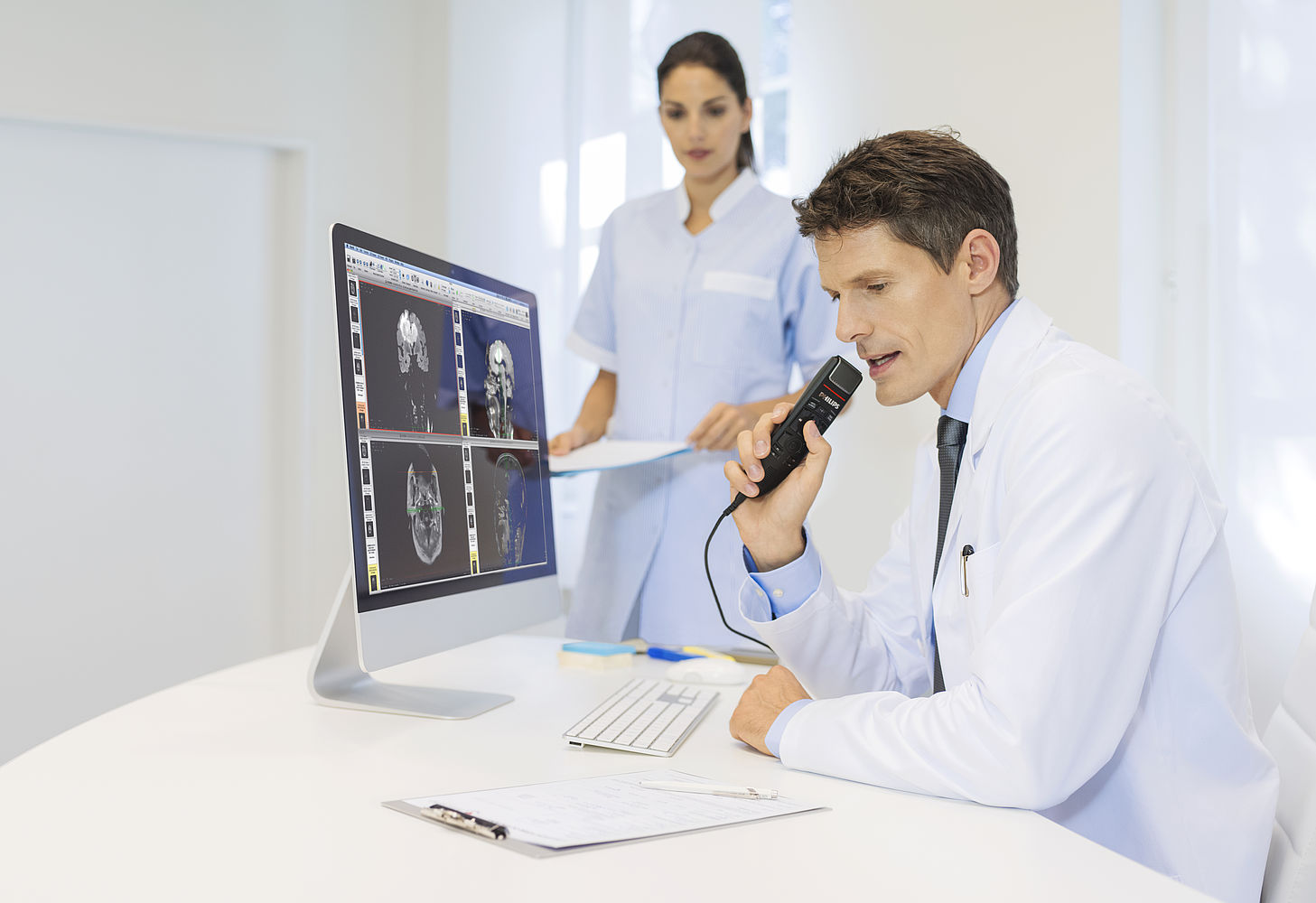
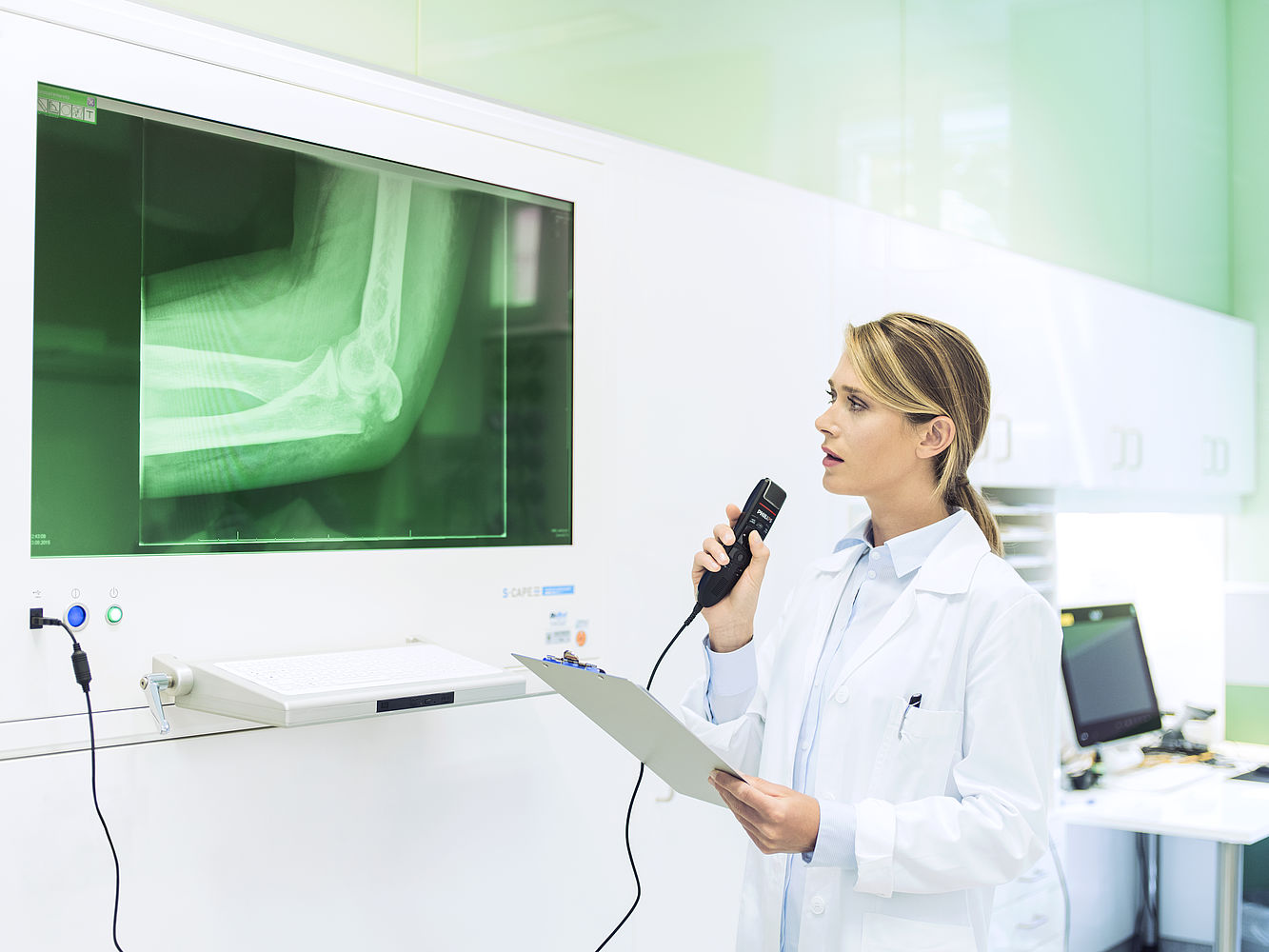
Philips SpeechMike is designed to work seamlessly with Nuance speech recognition and is also supported by leading hospital information systems (HIS), radiology information systems (RIS), and picture archiving and communication systems (PACS). With native, built-in support for these systems, users can simply plug in the device and start using it immediately, without requiring any extra installation steps.
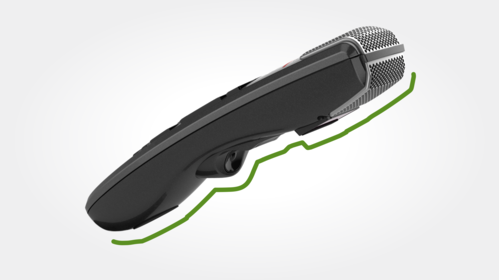
Ergonomically shaped for perfect fit in the hand
The device is designed to fit perfectly into the hand and reduce unintentional pressing of buttons. The trigger and the ‘command’ button on the back of the device are engineered to be in easy reach for the fingers.
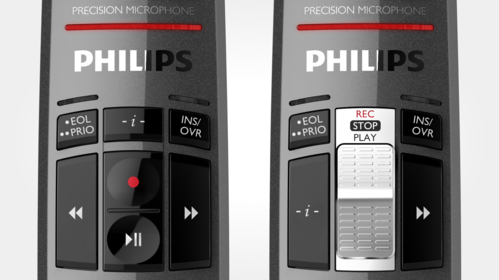
Wear-free slide switch or push buttons for comfortable operation
The SpeechMike Premium Touch comes with a slide-switch or a push-button operation. The slide switch is wear-free and ergonomically shaped with a softly ribbed surface for smooth tactile feedback and comfortable and intuitive utilization. In addition, our engineers implemented a millionfold proven contactless slider detection, making it completely wear-free for an extra-long lifetime.

Integrated motion sensor automatically switches between recording modes
Being on the cutting edge of technology, the SpeechMike Premium comes with an integrated motion sensor, enabling automatic switching between different microphone modes depending on device usage. When the device is placed on a desk, it can automatically switch to conversation mode to support ambient voice recording and multi-speaker recording scenarios. When picked up again, it switches back to dictation mode. Depending on the configuration, the motion sensor can also automatically mute the microphone when the device is placed on a desk.
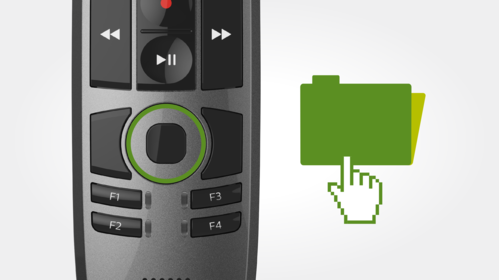
Touch sensor for integrated mouse function
The device comes with a touch sensor. This allows the user to easily control and navigate within applications while recording, without having to switch between the mouse and microphone.
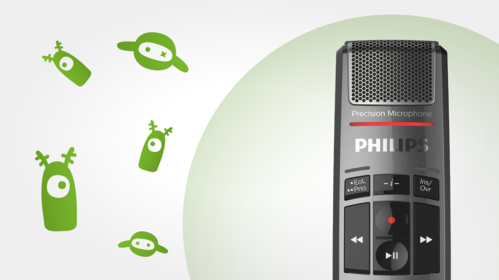
Hygienic surface
The hygienic surface physically hinders the colonization of germs and thus improves the efficiency of the usual measures for disinfecting. The polished, high quality pearl metal surface also makes the device non-sensitive to touch noises and fingerprints.
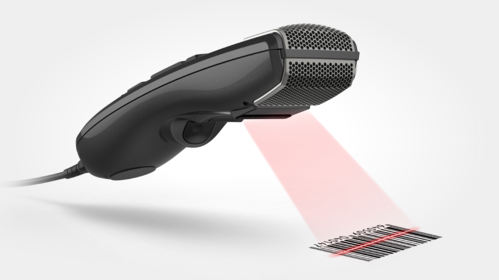
Barcode scanner for streamlined documentation
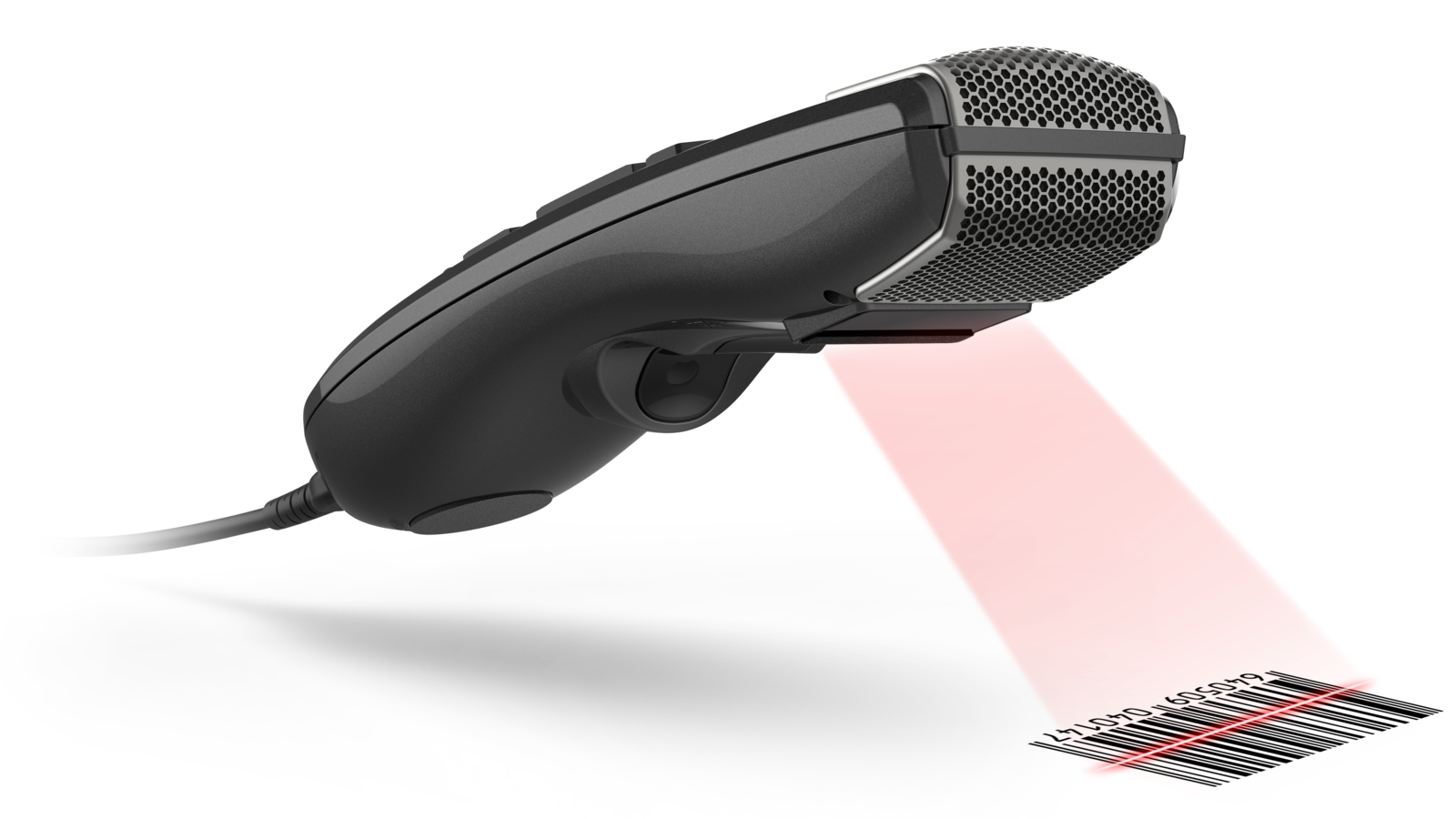
The SpeechMike Premium Touch is also available with an integrated barcode scanner to link client or patient data to a recorded file simply by scanning a barcode. The scanned information is automatically attached to the dictation file, streamlining the documentation process. All identifying information is entered accurately, increasing security and potential for cost savings.
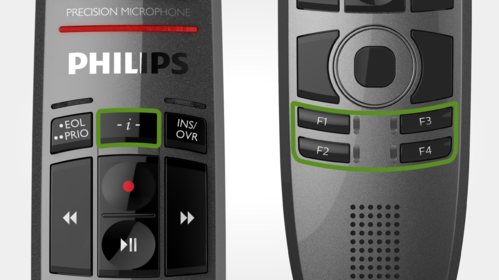
Freely configurable function keys for a personalized workflow
The SpeechMike Premium Touch has freely configurable keys which are especially useful for programming speech recognition commands. The device can be personalized for any user and application.
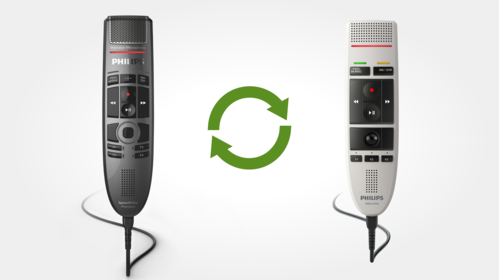
Smart, backwards compatible firmware for extra flexibility
Customers can upgrade from their previous SpeechMike model without installing additional software. For integrators, this means no changes need to be implemented and the existing SDK can be used. The SpeechMike Premium Touch is compatible with Mac and Windows operating systems, as well as virtual environments such as Citrix, VM Ware and Hyper-V. It can be configured using SpeechControl, the convenient Philips hardware management tool.

Your microphone comes with
- SpeechMike Premium Touch dictation microphone
- USB cable (connected to device)
- Quick start guide



What our customers say

“The administrative part of the medical workload is becoming increasingly important, and the solution allows us to speed up procedures.“
Dr. Bernard Porsin, Pneumologist, ATRIR clinic, Nyons, France
Read the story › See all stories ›
“Keeping my IT systems constantly up to date and reinvesting every three months was simply time-consuming. I wanted a cloud solution that was maintenance-free and easy to use.“
Matthias Kucera, Lawyer, Hard, Austria
Read the story › See all stories ›
“This system allows us to dictate from anywhere. The texts are directly stored in the cloud and are immediately available at the office. I can see anytime, anywhere for myself what my secretary has finished.“
Monique Van Baelen, Lawyer at Advocatenherselt.be, Herselt, Belgium
Read the story › See all stories ›
“It is really practical how I can easily switch from digital dictation to speech recognition by one push of the button“
Pieter Wirix, Lawyer, Hermans-Wirix Advocaten, Tongeren, Belgium
Read the story › See all stories ›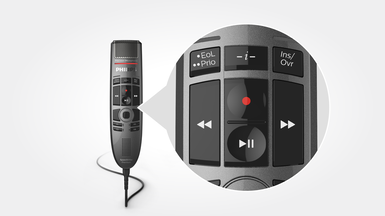
SMP3700
Push-button operation
$423.00
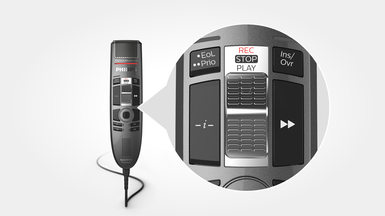
SMP3710
Slide-switch operation (record, stop, play, fast rewind)
$431.00
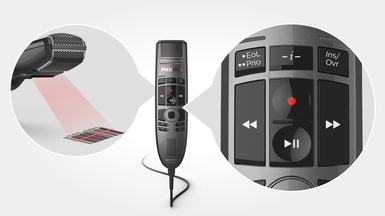
SMP3800
Push-button operation
Integrated barcode scanner
$1191.00
Enter your software serial number
The VoiceTracer Speech Recognition Software only works with Philips VoiceTracer Audio Recorders. To download the installation file, enter the serial number, then click Download.
Find your serial number
The serial number can be found on the quick start guide in the product packaging.
Connectivity
- USB:
- USB 2.0, type A (compatible with USB 3.0)
Audio recording
- Microphone type:
- electret condenser microphone
- Microphone capsule:
- 10 mm
- Characteristic:
- uni-directional
- Frequency response:
- 200 – 12 000 Hz
- Sensitivity:
- -37 dBV
- Signal-to-noise ratio:
- > 70 dBA
Sound
- Speaker type:
- built-in round, dynamic speaker
- Speaker diameter:
- 30 mm
- Acoustic frequency response:
- 300 – 7500 Hz
- Speaker output power:
- > 200 mW
Barcode scanner (SMP3800/3810)
- Compatible bar codes:
- EAN, UPC, Code 11 / 39 / 93 / 128, Codabar, MSI Code, Interleaved 2 of 5, Discrete 2 of 5, Chinese 2 of 5, Matrix 2 of 5, Inverse 1D, GS1 DataBar
- Type:
- charge-coupled device (CCD)
System requirements for Philips SpeechControl software
- Processor:
- Intel dual core or equivalent AMD processor, 1 GHz or faster processor
- RAM:
- 2 GB (32 bit)/4 GB (64 bit)
- Hard-disk space:
- 30 MB for SpeechControl software, 4.5 GB for Microsoft .NET Framework
- Operating system:
- Windows 11, Windows 10 (64 bit), macOS 15/126 (Mac functionality may be limited)
- Graphics:
- DirectX-compliant graphics card with hardware acceleration recommended
- Sound:
- Windows-compatible sound device
- Free USB port
- Supported speech recognition software:
- Microsoft Dragon Copilot, Microsoft Medical One, Microsoft Legal/Professional Anywhere, Dragon Professional 12.5/13/14/15/16 Individual/Group, Dragon Legal 12.5/13/14/15/16, Dragon Medical Practice Edition 2/3/4, Dragon SDK Client Edition 14, Solventum Fluency Direct 8.0 and above, Fusion Narrate powered by nVoq
Green specifications
- Compliant to 2011/65/EU (RoHS)
- Lead-free soldered product
Operation conditions
- Temperature:
- 5° – 45° C / 41° – 113° F
- Humidity:
- 10 % – 90 %
Dimensions
- Product dimensions (W × D × H):
- 45 × 175 × 32 mm / 1.8 × 6.9 × 1.25 in
- Weight:
- 200g /7 oz (including cable)
- Cable length:
- 2.5 m / 8.2 ft
Design and finishing
- Material:
- housing made of high-class polymers
- Color:
- dark grey pearl metallic,
Package contents
- SpeechMike Premium Touch Dictation Microphone
- USB cable (connected to device)
- Quick start guide
Manuals and documentation
- Quick start guide English SMP3700/3800 (578 KB)
- Quick start guide English SMP3710/3810 (585 KB)
- User manual English SMP3700/3800 (18 KB)
- User manual English SMP3710/3810 (18 KB)
- Nuance PowerMic to Philips SpeechMike migration guide English (683 KB)
- User manual English SpeechControl macOS (1.6 MB)
- Barcode scanner configuration guide English (1.7 MB)
- EU Declaration of Conformity English (348 KB)
Software and drivers
Marketing & sales material
- Leaflet English (6.6 MB)
Where to buy
Find a local retailer
Recommended retailers

Visit website ›
Visit website ›
Visit website ›
Visit website ›
Visit website ›

Visit website ›